What have you got?
Type an ingredient or a whole list, like “chicken, rice, garlic”. Salt, pepper, oil and spices are assumed.
Quick add
What do you feel like?
Any dietary needs?
Filters are a guide. Always check the ingredients for allergies and dietary needs.
Browse by cuisine
Browse by type
Quick dinner ideas, 20 minutes or less


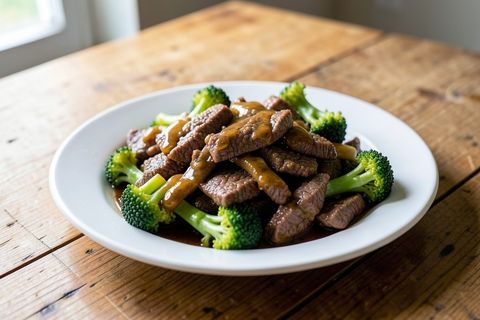

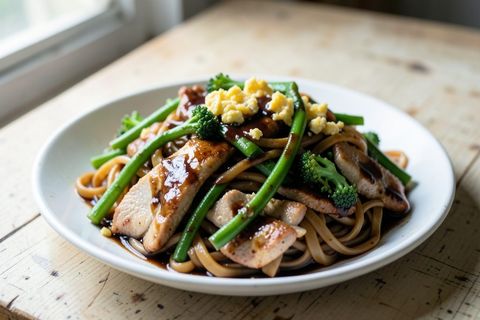
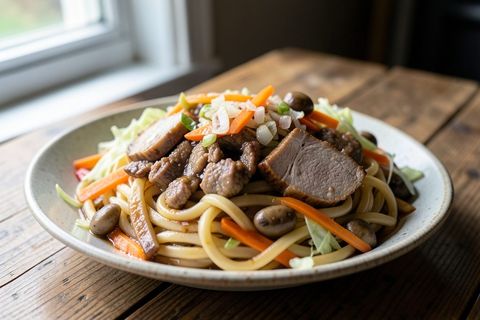
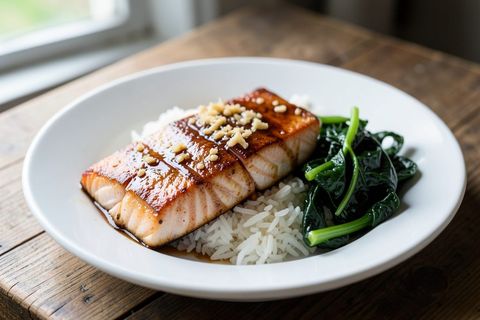
Questions
- How does it find a recipe?
- Type the ingredients you’ve got, or tap the quick-add buttons, and choose a cuisine if you like. It searches our own recipes and hundreds more from TheMealDB, ranks them by how many of your ingredients they use, and picks one of the best matches at random.
- Can it find something that uses everything I’ve got?
- Yes. Turn on ‘Must use all of them’ and it only shows recipes that include every ingredient you entered. Salt, pepper, oil, sauces and spices are assumed.
- Can I save recipes and plan the week?
- Yes. Tap Save, Add to list or Plan it on any recipe. My kitchen keeps your saved recipes, a Monday to Sunday plan and a shopping list you can share by text. It all stays on your phone and works offline.
- Can I put it on my phone like an app?
- Yes. On Android tap Install when the banner appears. On iPhone tap the Share button in Safari, then ‘Add to Home Screen’.
- Do I need an account?
- No. It’s free, there’s nothing to sign up for, and your ticked ingredients are only remembered on your own device.
- Where do the recipes come from?
- Our own recipes are written for this site as simple everyday home cooking, using ingredients from any Australian supermarket. Extra recipes and photos come from TheMealDB, an open recipe database.
Extra recipes and photos from TheMealDB.